





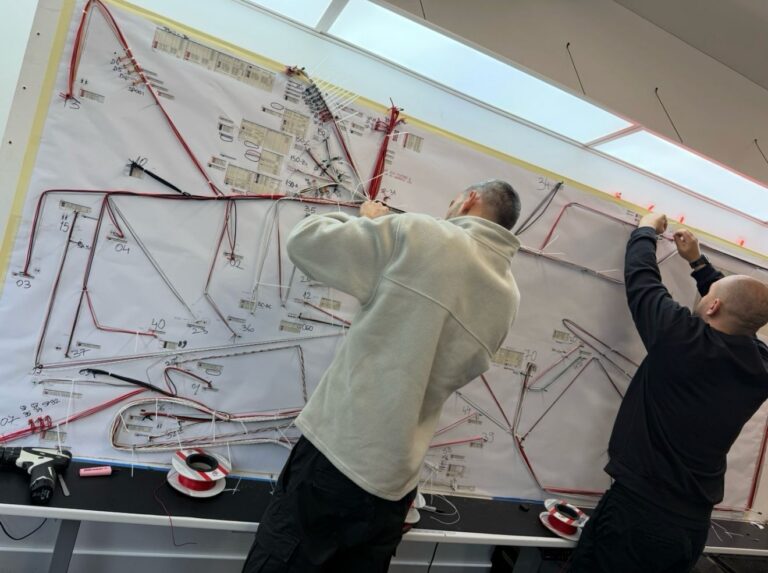
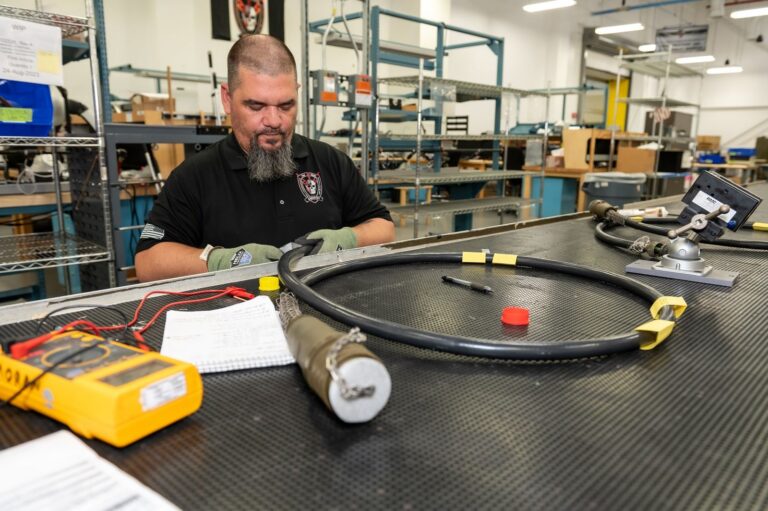
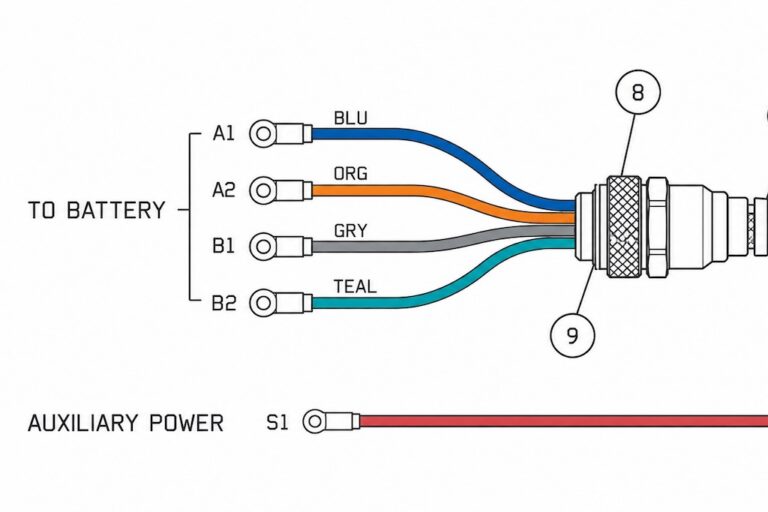



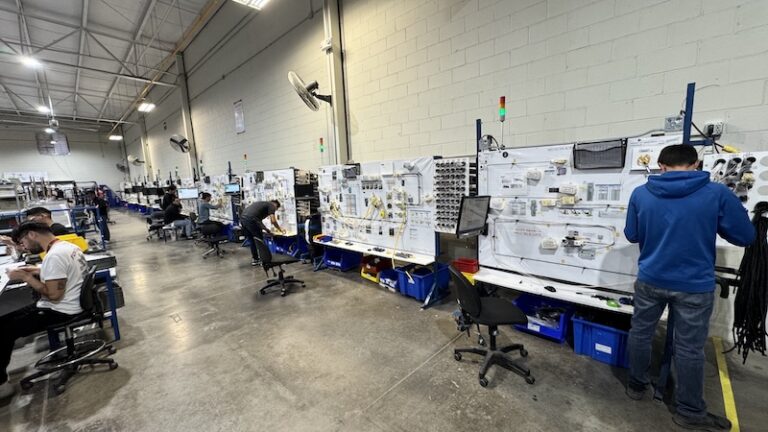

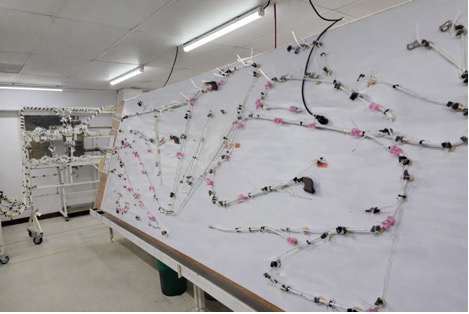









For many wire harness shops, moving into panel builds is a natural and logical next step—letting you offer more complete electromechanical assemblies to your OEM customers without straying too far from your core wiring expertise. They leverage the same competencies and therefore represent an extension rather than a pivot.
Growth in electrification, industrial automation and enclosure solutions in general, generates a great deal of opportunity. That’s why the latest release from Zuken—Panel Builder 2026 for E3.series—is hitting at just the right time. Announced in early December 2025, this update builds on the E3.series platform to make panel manufacturing smarter, faster, and less error-prone.
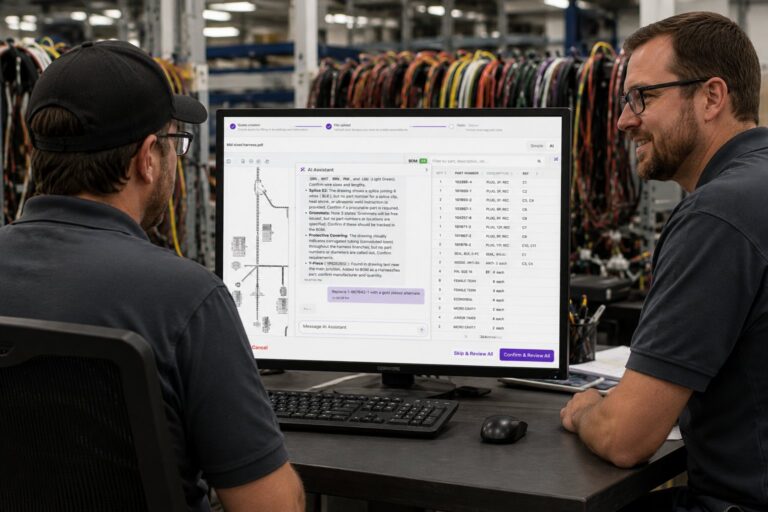
Panel Builder is a specialized module within the E3.series suite that serves as an assisted manufacturing tool tailored for panel and switchgear production. It transforms traditional paper-based instructions into interactive digital work instructions, delivered via tablet or computer on the shop floor. This digital approach pulls directly from the electrical design data, ensuring consistency and reducing errors.
As Geoffrey Ng, E3.series Technical Marketing Manager at Zuken USA, explained in a recent interview, “Panel Builder functions as an assisted manufacturing tool for panel production. It provides technicians with digital work instructions on a tablet or computer, replacing paper printouts.”
The module consists of two primary components: the Assembly Task Manager and the Wiring Task Manager.
The Assembly Task Manager (Fig 1) generates step-by-step instructions for physical assembly tasks, such as mounting DIN rails, cutting cable ducts, and installing terminals. It automatically compiles these tasks from the project’s bill of materials in E3.series, with each component tagged to include text, images, or video guidance. Technicians follow a clear, sequential checklist, making the process intuitive and efficient.
Figure 1: The Assembly Task Manager in action, displaying the instruction to mount terminals, with device position highlighted for easy identification on the shop floor[GN1] .

The Wiring Task Manager addresses the challenge of routing wires inside the cabinet. Rather than relying on dense spreadsheets or multiple 2D drawings, it presents wires one at a time, highlighting the exact path on a visual model of the panel. Geoffrey noted, “It displays instructions one wire at a time and highlights the wire’s path within the cabinet, allowing technicians to quickly locate the from-to points and install the wire accurately.”
Shops implementing Panel Builder often see significant efficiency improvements, including faster onboarding of new technicians and greater clarity in instructions. Geoffrey added, “In real-world implementations, we observe substantial efficiency gains. The clearer tasks enable faster training of new technicians, and the enhanced visualization reduces errors compared to traditional methods.”
Paul Harvell, vice president of engineering at Zuken USA, highlighted the broader impact in the official press release: “This release represents a real step forward in how we bridge engineering and manufacturing. By embedding live feedback, supporting variant-heavy production, and integrating with a wider range of equipment, we’re reducing the friction between design and delivery. Panel Builder 2026 isn’t just an upgrade—it’s a shift toward smarter, more connected production lines.”
The 2026 update focuses on closing the gap between engineering and manufacturing teams. Geoffrey emphasized, “Our primary goals are to increase speed and accuracy in panel manufacturing by better connecting designers and builders. This involves giving engineers more precise control over assembly sequences and providing technicians with more intuitive, contextual instructions.”
Key new features address real-world challenges in high-volume and variant-driven production.
Multiple Build Tracking for High-Volume Efficiency
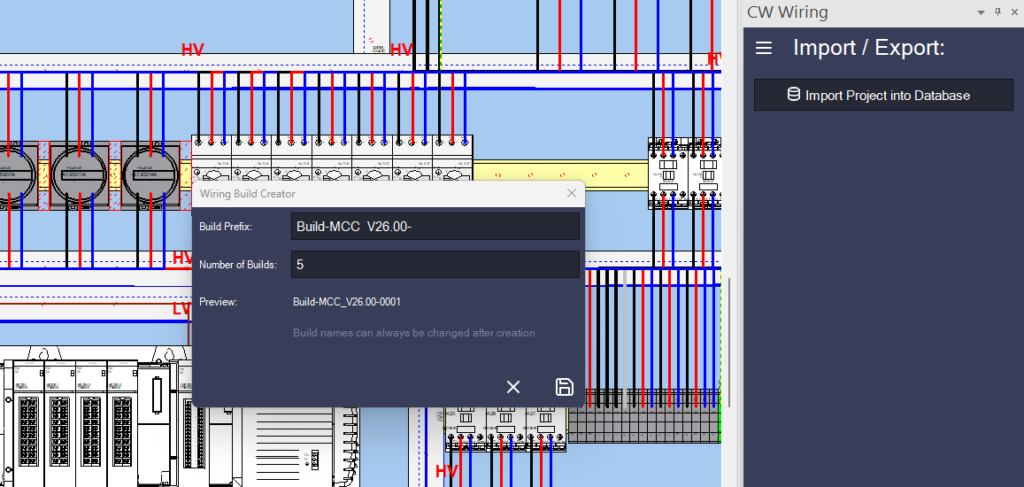
For shops producing repeat or high-volume orders, Multiple Build Tracking is a standout addition (Fig 2). It allows supervisors to generate and monitor multiple identical builds from a single design file.
Geoffrey described its benefits: “This feature is particularly valuable for high-volume operations. With one click, users can create multiple builds—say, ten units—and each is tracked individually. This eliminates the need for separate files, reducing the risk of errors or lost tracking in repeat production.”
When combined with variant management, it supports near-identical panels with minor differences, streamlining traceability without duplicating effort.
Figure 2: The Multiple Build Tracking interface, showing progress monitoring across several units.
Advanced Variant Management with Skip Attribute
Variant-heavy builds often involve optional components, such as additional sensors. The new Skip Attribute allows engineers to tag specific wires, devices, or pins for selective exclusion during wiring.
“This enables precise control over variants,” Geoffrey said. “For instance, certain features can be activated in some builds and skipped in others, avoiding unnecessary wiring while ensuring the design meets exact requirements.”
This reduces material waste and time spent on “just-in-case” over-wiring, especially in applications like factory automation where post-installation modifications are unlikely.
Pin-Level Wire Sorting for Optimized Workflows
Wiring sequences can significantly impact efficiency. Previous versions sorted at the device level, but 2026 introduces pin-level control, allowing custom ordering based on shop-specific needs—such as pairing pins on multi-pin connectors or grouping by wire color batches from automation equipment.
Geoffrey explained, “Pin-level sorting provides granular control over wire order, accommodating physical obstructions, efficient routing patterns, or the output sequence from wire processing machines. It adapts to how individual shops operate, saving valuable time on the floor.”
Enhanced Visualization: Toggling Between 2D and 3D Views
To minimize errors, technicians can now toggle seamlessly between 2D projection views and full 3D cabinet models(Fig 3).
“While 2D views suffice for many tasks, complex routing—such as wires crossing from the backplane to a sidewall—benefits from 3D visualization,” Geoffrey noted. “A simple dropdown switch provides the clearest context, confirming whether a wire routes inside or outside the cabinet.”
Figure 3: Demonstration of the 2D/3D toggle feature, clarifying complex wire paths.

Stronger Connected Manufacturing with nVent PWA 6000 Integration
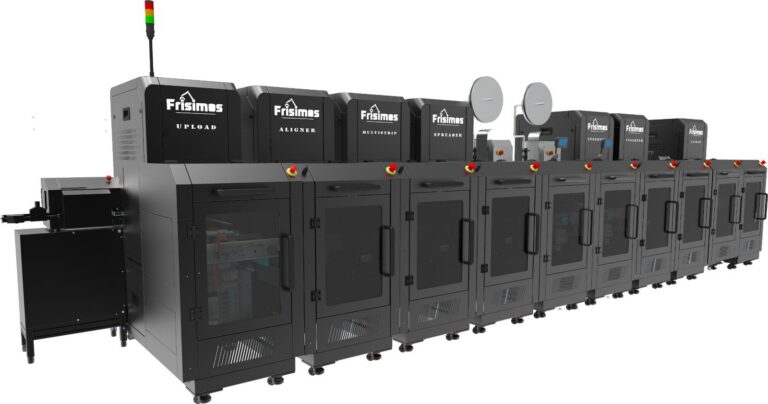
Zuken continues to advance connected manufacturing, with improved integration to automated wire processing equipment like nVent’s PWA 6000. This machine automates cutting, stripping, marking, and more.
Enhanced output from Panel Builder aligns directly with the PWA 6000, including wire data and custom sort orders. Geoffrey highlighted, “Direct data export reduces programming time for the machine, maximizing the return on automation investments. nVent is a key partner, and this integration streamlines wire preparation for seamless handoff to the Wiring Task Manager.”
Smoother Handling of Late-Stage Changes and Assembly Tasks
Design changes mid-build no longer disrupt progress. Updates to the E3.series file now add only new tasks, preserving completed work.
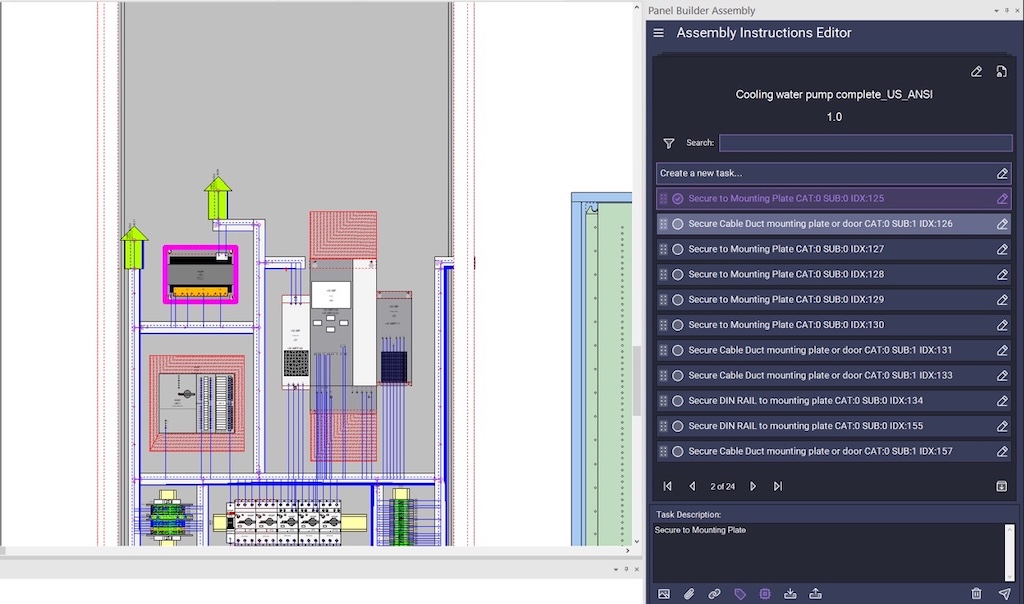
The Assembly Task Manager gains improved filtering and progress indicators (e.g., completed/total tasks), helping technicians prioritize in complex projects.
Figure 4: Updated Assembly Task Manager (Fig 4) with enhanced filters for task organization.
Building on E3.panel Design Enhancements
Panel Builder 2026 leverages the ongoing E3.series 2026 platform, which introduced significant updates to the E3.panel design module earlier in the year (announced September 2025). These include automatic component rotation for angled surfaces, robust STEP model handling, geometry-aware routing that accounts for cutouts and compartments, and visual duct connectivity checks.
As Geoffrey mentioned, “The platform now better handles unique geometries like slopes and cutouts, with faster STEP model imports—improvements that result in more accurate models flowing to manufacturing.”
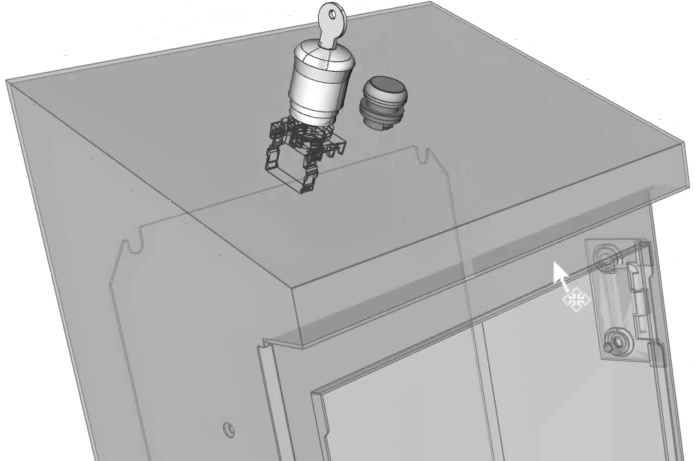
These design-side advancements ensure the digital instructions in Panel Builder reflect real-world manufacturability (Fig 5).
(Figure 5: New design features include automatically rotated device mounting to match sloped surfaces)
The Broader Impact on Panel Shops
Ultimately, Panel Builder 2026 promotes assisted manufacturing—empowering human technicians with digital tools rather than relying solely on full automation, which isn’t yet practical for tasks like DIN rail mounting.
Geoffrey summarized, “We’re driving a digital transformation from paper-based to digital instructions, offering richer data, better progress tracking, and greater control. It makes technicians more effective, helping shops scale production while maintaining quality.”
For contract manufacturers expanding into panels, this release supports handling more complex, variant-rich jobs with fewer errors and faster throughput. Integration with automation and seamless design-to-production flow position it as a tool for modern, connected shops.
Panel Builder 2026 is available now as part of E3.series. Demos are available for those considering it—especially if panels are growing in your workload.